Ever Wonder What Really Happens When You Click Your Mouse?
Navigating the Digital Rabbit Hole: The Hidden Complexity of a Simple Mouse Click
Do you remember the moment you realized your computer was way more than just a screen and keyboard? That split-second of mouse click magic where your intention becomes reality on the screen? Have you ever wondered what happens behind the scenes?
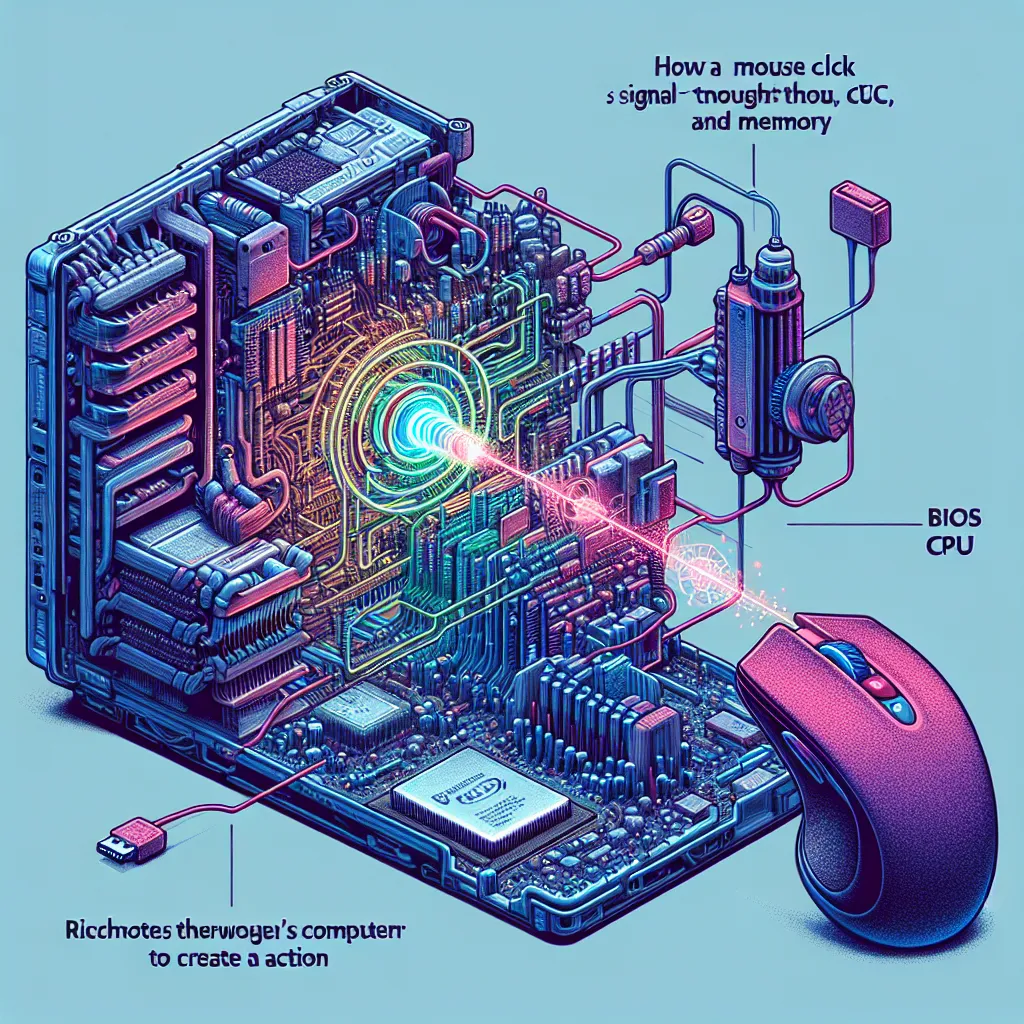
Let’s get microscopic for a moment. Think about shrinking down to the size of an electron and diving into that mouse click. A computer mouse might seem basic, just some buttons and motion detectors. Whether it’s an optical mouse using lights and sensors or the old-school version with a rubber ball, the concept is the same.
When you click that mouse button, a message zips off to the computer, letting it know the mouse’s position. This is where the basic input/output subsystem (BIOS) steps in. Picture the BIOS as the sensory system of the computer, like eyes, ears, hands, and mouth. Not only does it help the computer interact with its surroundings, but it also buffers the CPU from getting swamped by every little event. When it receives your mouse click, it sends an urgent interrupt to the CPU, saying, “Hey, CPU! Important click here!”
The CPU, or central processing unit, is the computer’s brain. Just like your brain controls your body, the CPU manages everything in the computer. It constantly fetches instructions from memory and executes them at breakneck speed—billions per second, in fact!
Even as you type at 60 words per minute, the CPU is juggling a million tasks. It’s handling mouse movements, running clock widgets, playing internet radio, and managing your files—all at once. But when that mouse click arrives, it prioritizes it immediately.
Each task the CPU handles comes from different programs, originally written in languages like Java, C++, or Python by humans. These human-readable programs are then compiled into efficient, compact machine code stored in memory. When the CPU handles a mouse click, it fetches the necessary instructions from the mouse program stored in memory.
And that’s just the start! The CPU figures out that the mouse was clicked over a button on the screen. It then needs instructions from the monitor program to understand what that button does. This can involve fetching more programs, such as those responsible for displaying video or handling interactive elements.
So, what seems like a simple mouse click involves nearly every critical part of your computer: peripherals, BIOS, CPU, programs, and memory. All of these components work together seamlessly, without a single gremlin in sight.